Advertisements
Standing Desk Tips That Actually Changed How I Work
Did you know that the World Health Organization links prolonged sitting to serious health risks, including heart disease and diabetes? Yeah, that hit me pretty hard when I first read it. I’d been glued to my office chair for about eight hours a day, and honestly, my back was screaming at me every single evening.
So I made the switch to a standing desk. And let me tell you — it was not as smooth as I expected. I made a bunch of rookie mistakes before figuring out what actually works. That’s why I’m sharing these standing desk tips today, so you don’t have to go through the same frustrating trial and error I did!
Don’t Just Stand There — Alternate!
Here’s the thing most people get wrong right away. They think a standing desk means you stand ALL day. Nope. Standing for hours straight is just as bad as sitting, trust me on this one.
The golden rule I follow now is the sit-stand ratio of 1:1 or 2:1 — meaning for every hour of sitting, stand for 30 to 60 minutes. I use a simple timer on my phone to remind me to switch positions. It felt weird at first, but after a week or two, it became second nature.
Get Your Desk Height Right
This one is huge. When I first set up my standing desk, I had it way too low, and my shoulders were hunched over like a question mark. Not cute, and definitely not ergonomic.
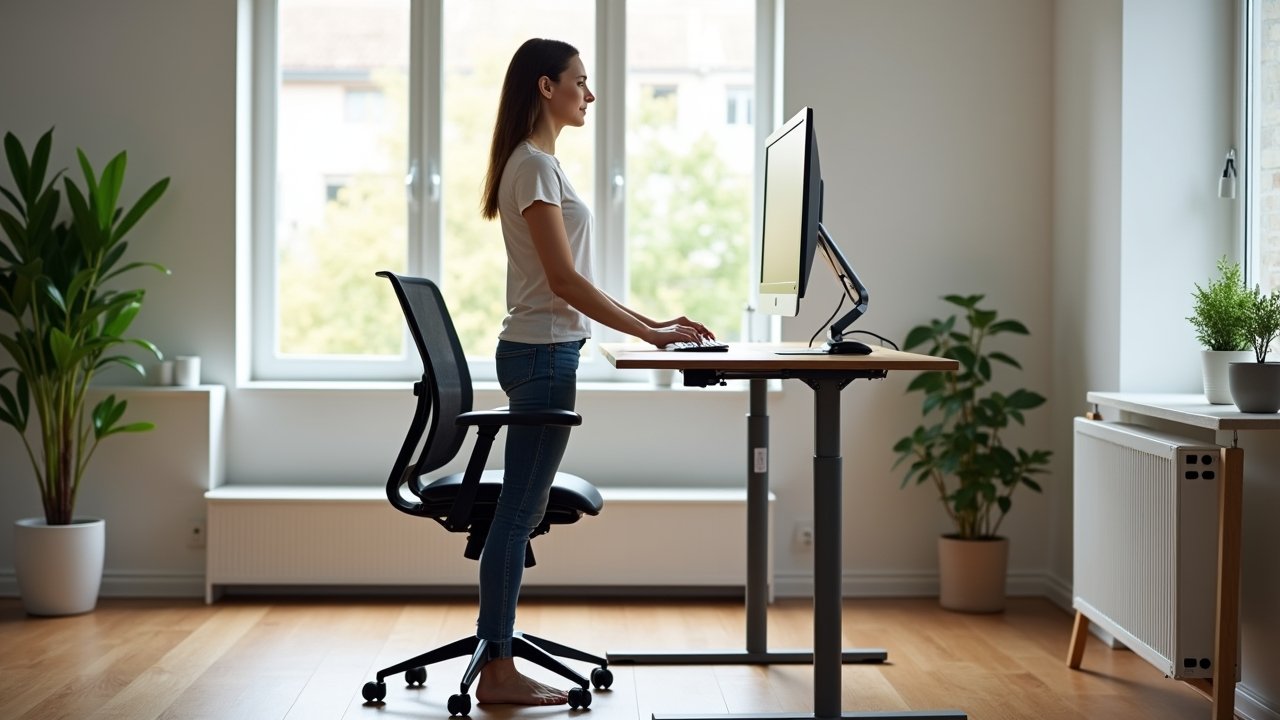
Your elbows should be at roughly a 90-degree angle when your hands rest on the keyboard. Your monitor should be at eye level — OSHA recommends the top of your screen be at or just below eye level to avoid neck strain. It sounds like a small thing, but getting this right made a massive difference for me.
Advertisements
Invest in an Anti-Fatigue Mat
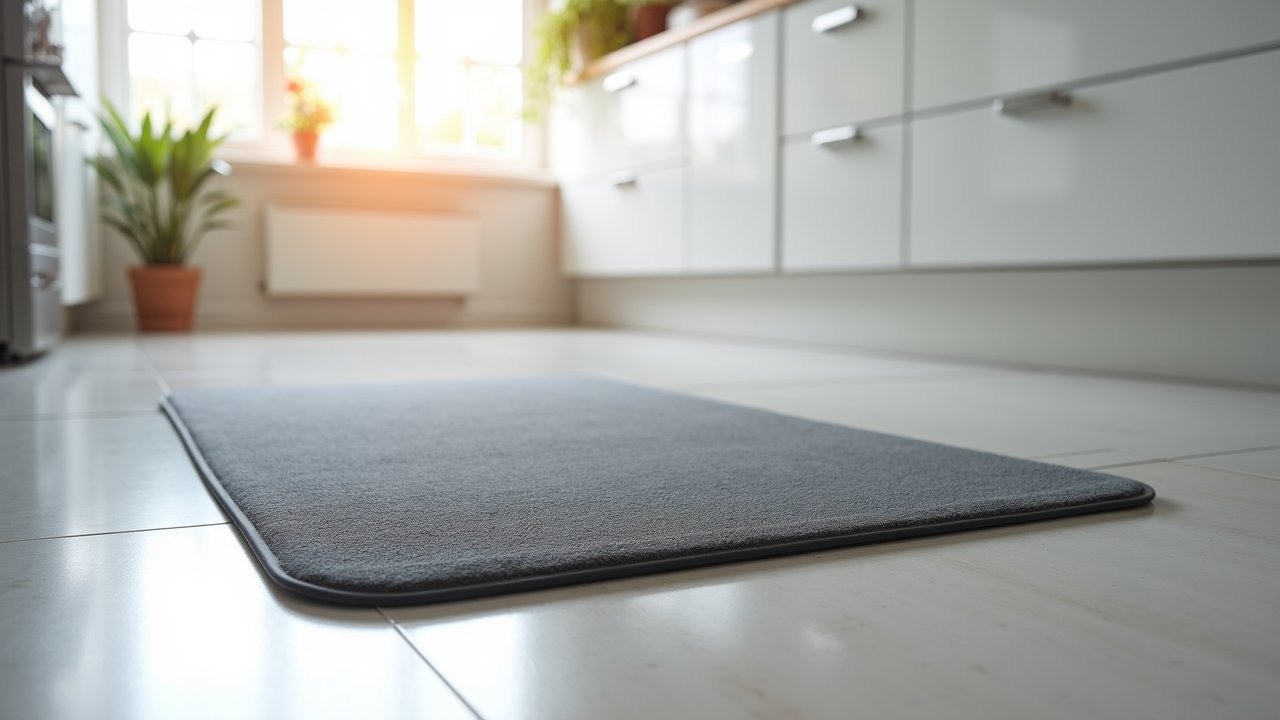
Okay, this was a game changer. Seriously. I skipped this step for the first few months and my feet were killing me by noon. Standing on a hard floor for extended periods puts real pressure on your joints.
An anti-fatigue mat encourages subtle micro-movements in your legs and feet, which actually improves circulation. I grabbed a mid-range one online and honestly wished I’d done it sooner. Your feet will thank you, I promise.
Wear the Right Shoes (or Go Barefoot)
This sounds like a random tip, but hear me out. I used to wear these flat, unsupportive sneakers while standing and wondered why my lower back was aching. Turns out, footwear matters a lot when you’re on your feet for long stretches.
- Wear supportive shoes with cushioning and arch support
- Avoid flat sandals or worn-out sneakers
- Going barefoot on an anti-fatigue mat is actually a solid option at home
- Consider orthotic insoles if you have existing foot or back issues
Keep Your Workspace Ergonomically Friendly
Standing desk ergonomics go beyond just the desk height. Everything around you needs to be set up right. I learned this the hard way after developing wrist soreness from a poorly placed keyboard.
- Keep your mouse and keyboard close to avoid overreaching
- Use a monitor arm to easily adjust screen height and angle
- Position frequently used items within arm’s reach
- Consider a laptop stand if you’re working with a laptop
Small tweaks like these can prevent repetitive strain injuries over time. And yeah, it’s worth taking 20 minutes to set everything up properly from the start.
Move More Than Just Your Position
One underrated standing desk tip? Use those standing moments to sneak in extra movement. I’ll do a few calf raises, shift my weight, or even do a light stretch while I’m standing and reading emails. It feels a little goofy at first, but movement is movement!
According to research published in the NIH, even light physical activity throughout the workday can reduce fatigue and improve focus. So don’t just stand there frozen — wiggle a little!
Your Standing Desk Journey Is Yours to Own
Look, switching to a standing desk isn’t a magic fix, but when used correctly, it’s a genuinely powerful tool for your health and productivity. The key is balance, proper setup, and listening to your body. Don’t push through pain — adjust and find what works for you.
Everyone’s body is different, so feel free to tweak these tips to fit your own routine and workspace. And always keep in mind that no piece of furniture replaces regular movement, stretching, and breaks throughout your day.
If you found this helpful, there’s a whole lot more where that came from! Head over to Reset Harbor’s blog for more practical tips on productivity, wellness, and building a workspace that actually works for you.